Quick answer
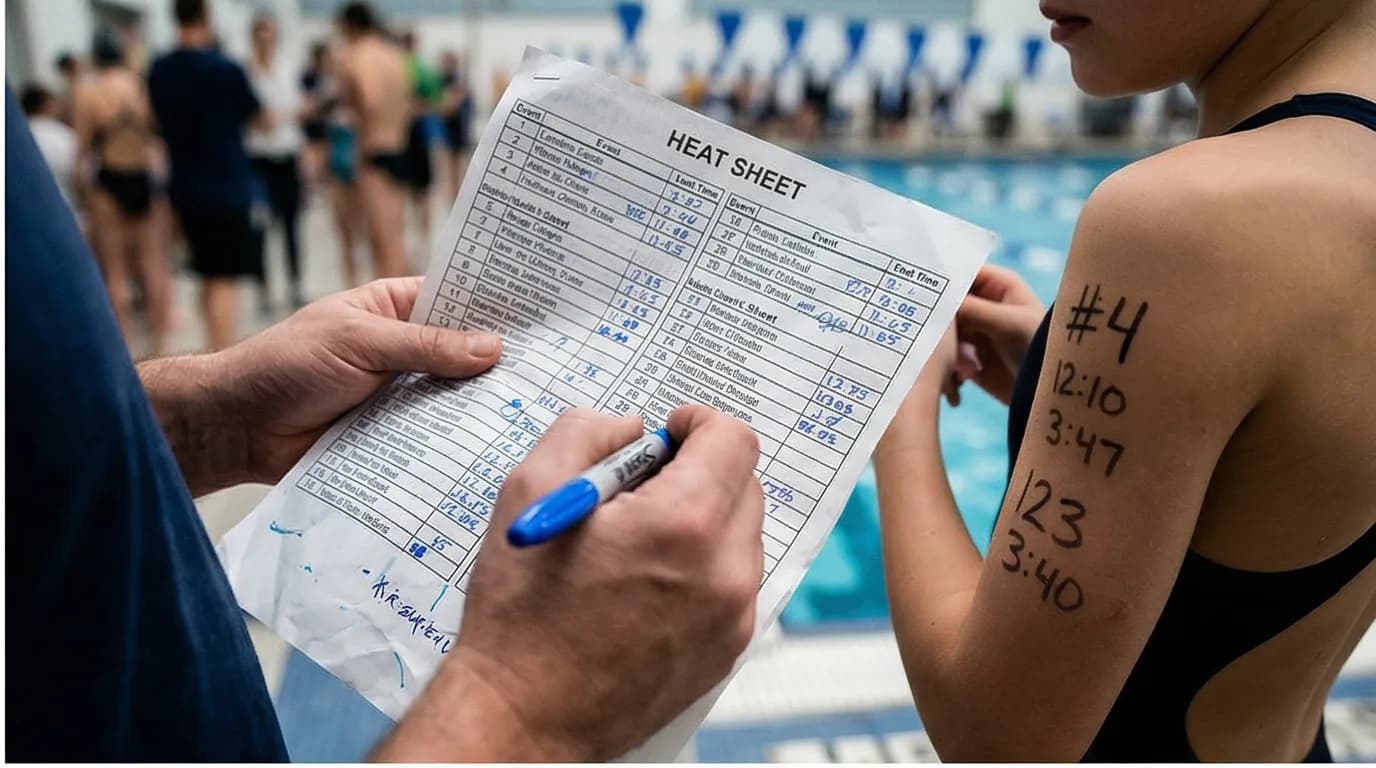
A heat sheet tells you event, heat, and lane. Seed time is the entry time. NT means no official seed. Write those three numbers on the arm. The psych sheet is a different document: who is entered, not when they swim.
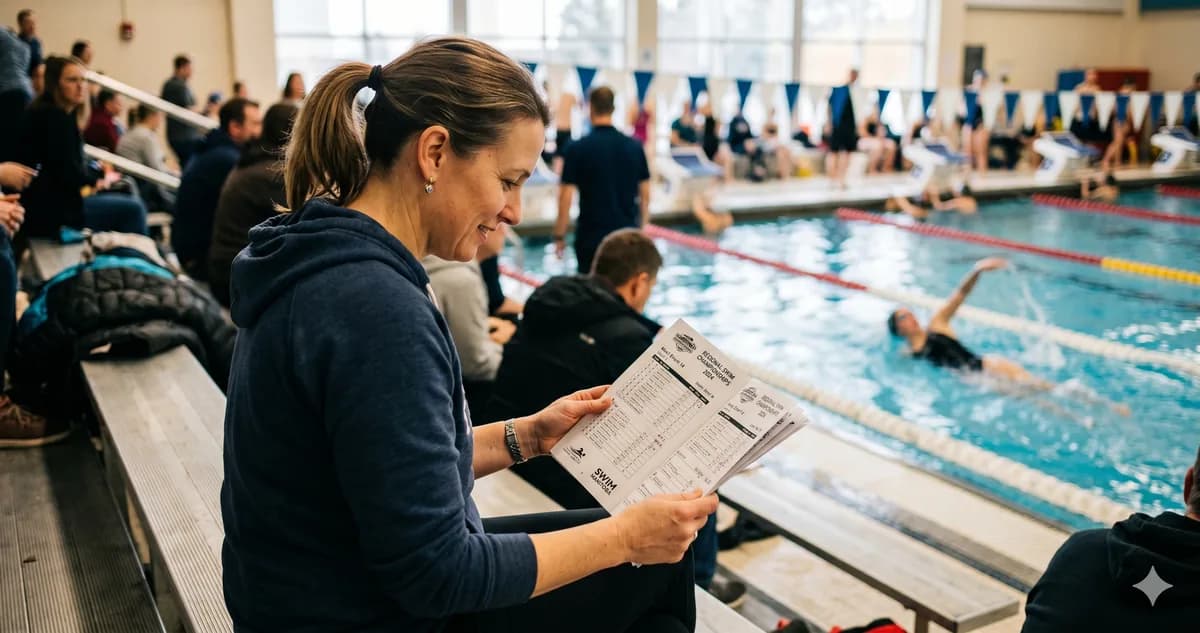
At Rafa's first meet, someone handed me twenty pages of tiny numbers and names. I stared at it, completely lost. "Where is Rafaela? What event is happening right now?" A dad sitting next to me noticed the panic on my face, pulled out a Sharpie, and said, "Here -- write her events on her arm." Game changer.
That five-second tip saved me hours of confusion. Here is everything else I wish I had known.
You just arrived at your first swim meet, coffee in one hand, phone in the other, and someone hands you a stack of papers that looks like a spreadsheet had a panic attack. Welcome to the heat sheet.
Take a breath. By the end of this article, you will know exactly how to decode it and you might even enjoy it.
What Is a Heat Sheet?
A heat sheet is the meet program. It lists every event, every swimmer entered, and their expected (seed) times. Think of it as the lineup card for the entire competition. Under USA Swimming and Swimming Canada meet procedures, most clubs distribute printed copies at check-in, and many also post a digital version on the meet host's website or through a meet management app.
The Three Numbers That Matter: Event, Heat, Lane
Every swim is identified by three numbers:
- Event number -- the race on the schedule (for example, Event 7 might be Girls 11-12 50m Freestyle).
- Heat number -- because there are usually more swimmers than lanes, races are grouped into heats. Heat 1 goes first, then Heat 2, and so on.
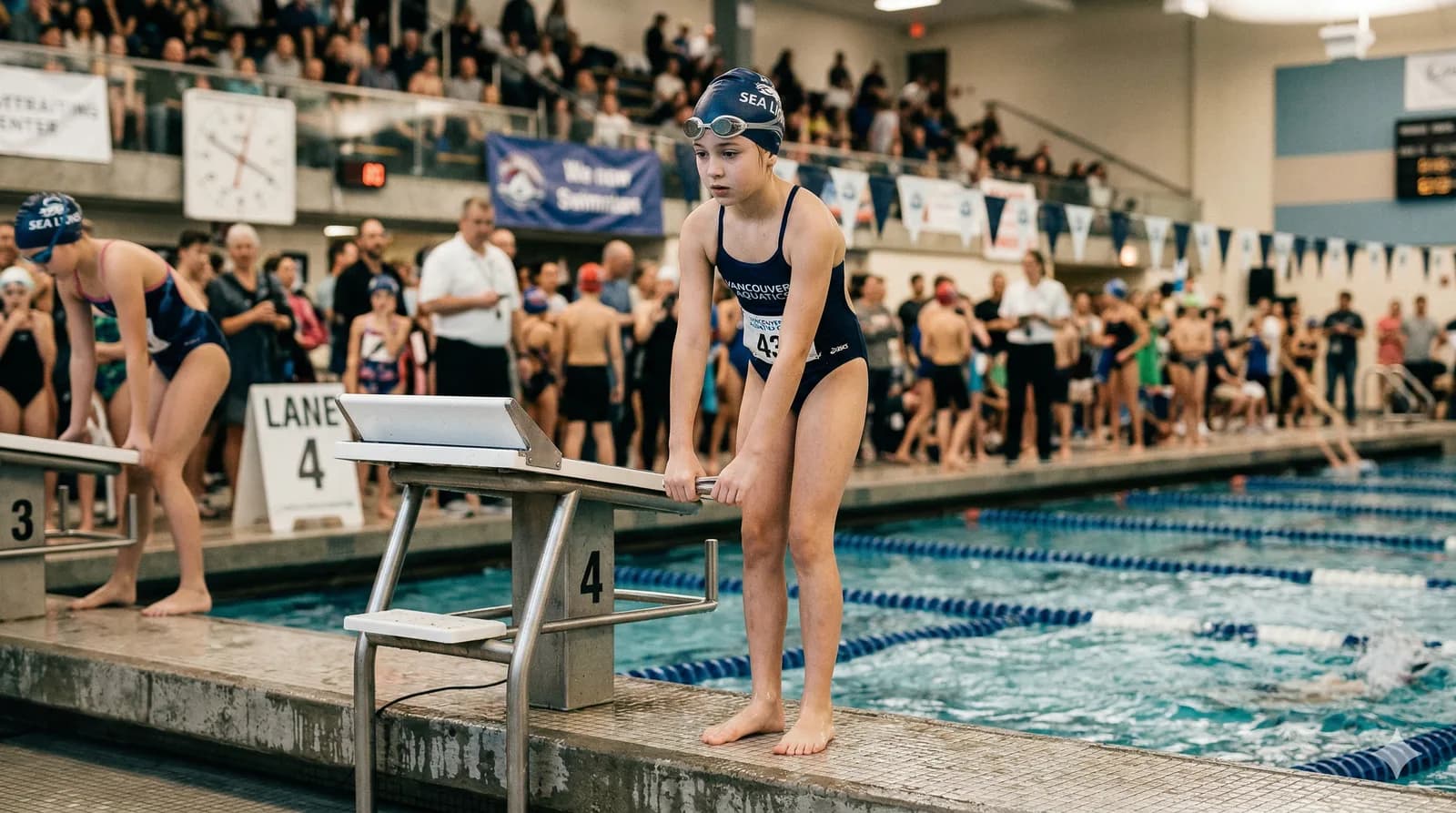
- Lane number -- your swimmer's assigned lane for that heat.
When you find your child's name, write down their E/H/L (Event, Heat, Lane) for every race they are swimming. Many experienced parents write these numbers on their child's arm with a Sharpie so the swimmer always knows where to be. It is a tried-and-true trick that saves a lot of stress for everyone.
Seed Times and "NT"
Next to each swimmer's name you will see a time. That is the seed time, which is the swimmer's best or most recent time in that event. It tells the meet organizers how to sort swimmers into heats.
If you see "NT" instead of a time, it stands for No Time. It simply means the swimmer has not competed in that event before, or no official time is on file. It is nothing to worry about. Every swimmer starts with NT the first time they race a new event.
How Heats Are Organized
Here is one detail that confuses new parents: the fastest swimmers do not go first. According to USA Swimming and Swimming Canada seeding procedures, heats are arranged slowest to fastest, so the last heat of each event has the quickest swimmers. Within each heat, the fastest seed time gets the middle lane (usually lane 4 in a six-lane pool or lane 4 or 5 in an eight-lane pool), and the remaining swimmers fan out from the center. If your child is in lane 1 or lane 8, it just means their seed time was one of the slower ones in that heat. This is completely normal, especially for younger or newer swimmers.
Common Abbreviations
You will see these shorthand codes all over the heat sheet:
- FR -- Freestyle
- BK -- Backstroke
- BR -- Breaststroke
- FL -- Butterfly
- IM -- Individual Medley (all four strokes in one race: fly, back, breast, free)
- SC -- Short Course (25m or 25yd pool)
- LC -- Long Course (50m pool)
Events usually list the distance first, then the stroke: "100 FR" means 100 meters (or yards) of freestyle.
Finding Your Child's Events
The fastest way to navigate the heat sheet is to scan the event list at the top. Find the events that match your child's age group and strokes. Then look within that event for their name. Circle it, highlight it, or take a photo with your phone. Write the E/H/L on their arm (and maybe on yours, too).
You Have Got This
The heat sheet looks overwhelming the first time. By the second or third meet, you will flip through it like a pro. For now, just remember: Event, Heat, Lane. Find the name, write it down, and enjoy watching your swimmer race.
Sources
- USA Swimming. Rules and Regulations -- meet seeding procedures, heat/lane assignments, and meet management standards. usaswimming.org
- Swimming Canada. Competition procedures and meet management guidelines. swimming.ca
After the file is published, sign in and open Meets
so you are not hunting the paper heat sheet. Free, no card.